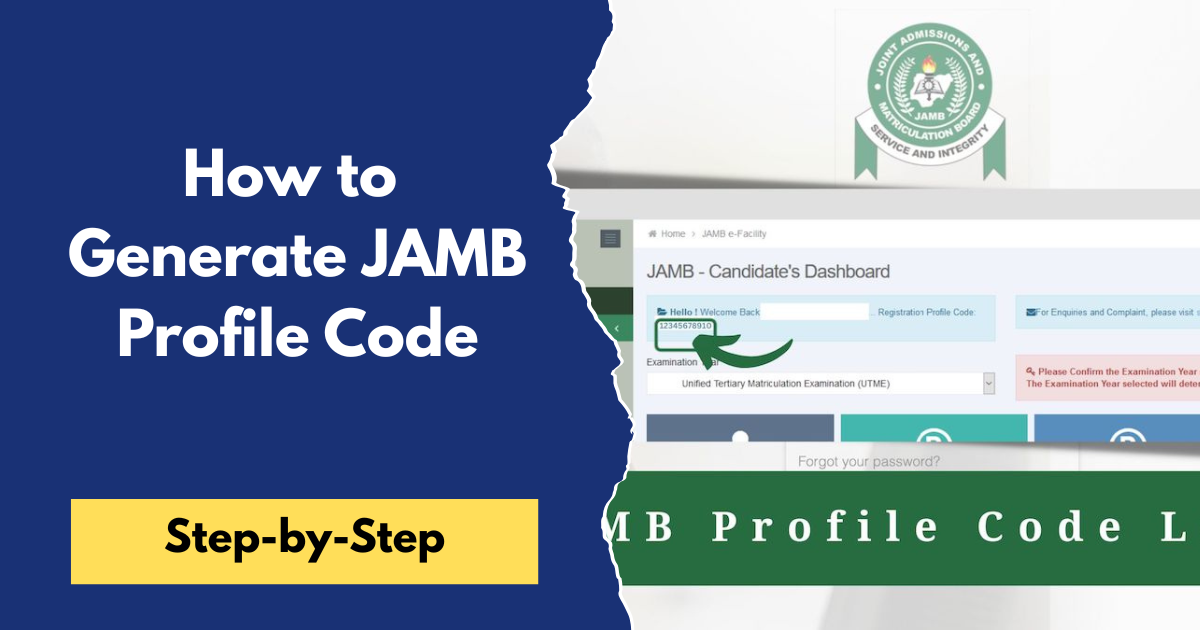
How to Generate JAMB Profile Code 2026
The JAMB Profile Code is a unique 10-digit code issued by the Joint Admissions and Matriculation Board (JAMB) to every UTME and Direct Entry candidate. It's one of the first requirements for JAMB registration, as you'll need it to purchase your JAMB e-PIN and complete your registration.
If you're registering for the 2026 JAMB UTME or Direct Entry, this guide will show you how to generate your JAMB Profile Code, the requirements you'll need, and what to do if you encounter any problems during the process.
Requirements for Generating a JAMB Profile Code
Before you try to generate your JAMB Profile Code, make sure you have the following:
- A valid National Identification Number (NIN).
- A personal and active phone number (SIM card).
- At least ₦50 airtime on the phone number you'll use to send the SMS.
- Correct personal details on your NIN record, including your name and date of birth.
It's important to use a phone number that belongs to you because JAMB will link that number to your profile and use it for future communication throughout the admission process.
How to Generate Your JAMB Profile Code
Generating your JAMB Profile Code is simple and takes only a few minutes if you follow the correct procedure. Follow these steps:-
- Open the Messages app on your phone.
- Create a new SMS.
- Type NIN, leave one space, then enter your 11-digit NIN.Example:
NIN 12345678901
- Send the message to 55019 or 66019 using the same phone number you want to use for your JAMB registration.
- Wait for JAMB's response.
If your details are correct, JAMB will send you an SMS containing:
- Your 10-digit JAMB Profile Code
- Your full name as it appears on your NIN record
Keep this profile code safe because you'll need it to purchase your JAMB e-PIN and complete your registration at an accredited CBT centre.
What to Do If You Don't Receive Your Profile Code
If you don't receive your profile code after sending the SMS, don't panic. The problem is usually easy to fix. Here are a few things you should check:-
- Make sure you entered your NIN correctly.
- Confirm that you sent the message in the correct format: NIN 12345678901.
- Ensure you have enough airtime on your SIM card.
- Verify that the details on your NIN record are correct.
- Wait a few minutes and try again if the network is busy.
- If the issue continues, visit a JAMB office or an accredited CBT centre for assistance.
How to Retrieve a Lost JAMB Profile Code
If you've generated your profile code before but can't remember it, you don't have to create a new one.
Simply send the word RESEND as a text message from the same phone number you used to generate the profile code to 55019 or 66019. JAMB will resend your profile code to that phone number.
Frequently Asked Questions (FAQs)
Can I generate my JAMB Profile Code without a NIN?
No. A valid National Identification Number (NIN) is compulsory for generating a JAMB Profile Code.
Which number should I send the SMS to?
You should send NIN followed by your 11-digit NIN to 55019 or 66019. Both shortcodes are approved by JAMB.
Can I use someone else's phone number?
No. You should use your own phone number because it will be linked permanently to your JAMB profile and used for future communication with JAMB.
Can I use the same Profile Code every year?
Yes. Returning candidates who use the same phone number will continue to use the same Profile Code. If necessary, you can reactivate or retrieve it instead of generating a new one.
If this guide helped you, share it with other JAMB candidates who are preparing for registration. If you have any questions or encounter any problems while generating your profile code, leave a comment below, and we'll be happy to help. You can also explore our website for more JAMB registration guides, admission updates, and Post-UTME information.