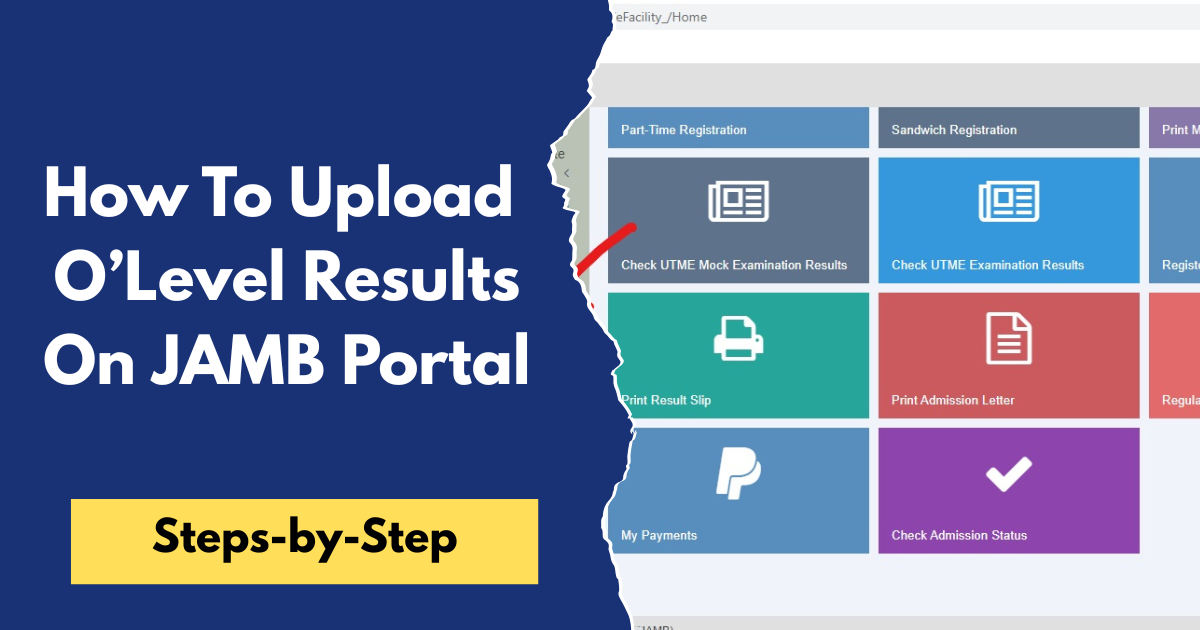
How To Upload O’Level Results On JAMB Portal
All candidates applying for admission into universities, polytechnics, colleges of education, and other tertiary institutions in Nigeria are expected to upload their O'Level results to the JAMB portal. Whether you are using WAEC, NECO, NABTEB, or any other approved O'Level result, uploading it is a compulsory part of the admission process.
Without uploading your result, your preferred institution may not be able to verify that you meet the admission requirements for your chosen course, and this could affect your chances of being offered admission.
In this article, you will learn the steps to upload your result on the JAMB portal, how to confirm that it has been uploaded successfully, and other important information you need to know.
How Much Does It Cost to Upload O'Level Results on the JAMB Portal?
The fee for uploading an O'Level result is ₦1,500. However, some accredited CBT centres may charge a small additional service fee for the upload and printing of the confirmation slip. The total amount you pay may therefore vary slightly depending on the CBT centre you visit.
To avoid unnecessary charges or problems with your admission, ensure you upload your result only at an accredited JAMB CBT centre. After the upload is completed, request a printout or confirmation slip as proof that your O'Level result has been successfully uploaded to your JAMB profile.
How to Upload O'Level Results on the JAMB Portal
Uploading your O'Level result on the JAMB portal is one of the most important steps in the admission process for candidates seeking admission into Nigerian universities, polytechnics, and colleges of education. Many students successfully write JAMB and even meet their school’s cut-off mark, but later face admission problems because their WAEC, NECO, or NABTEB results were not properly uploaded on the JAMB CAPS portal. The JAMB O'Level upload process allows the Joint Admissions and Matriculation Board to verify your academic qualifications and confirm that you meet the admission requirements for your chosen course and institution.
Uploading your O'Level result to the JAMB portal is a simple process, but it must be done at an accredited JAMB CBT centre. Follow the steps below to upload your result successfully:-
- Visit any accredited JAMB CBT centre nearest to you.
- Inform the CBT official that you want to upload your O'Level result to your JAMB profile.
- Provide your JAMB Registration Number and any other details required to access your profile.
- Present your original or printed WAEC, NECO, or NABTEB result for verification.
- The CBT official will upload your O'Level subjects and grades to your JAMB profile.
- Carefully confirm that all your subjects and grades have been entered correctly before the upload is completed.
- Once the upload is successful, request and collect the confirmation slip or printout as evidence that your O'Level result has been uploaded successfully.
After completing the upload, you can log in to your JAMB profile or JAMB CAPS after some time to confirm that your O'Level result is reflecting correctly. Candidates are advised to upload their results as early as possible to avoid delays in the admission process.
How to Check If Your O'Level Result Has Been Uploaded Successfully
After uploading your O'Level result at an accredited JAMB CBT centre, it is important to confirm that the upload was successful. This will help you avoid admission issues later in the admission process. You can check whether your O'Level result has been uploaded by following these steps:-
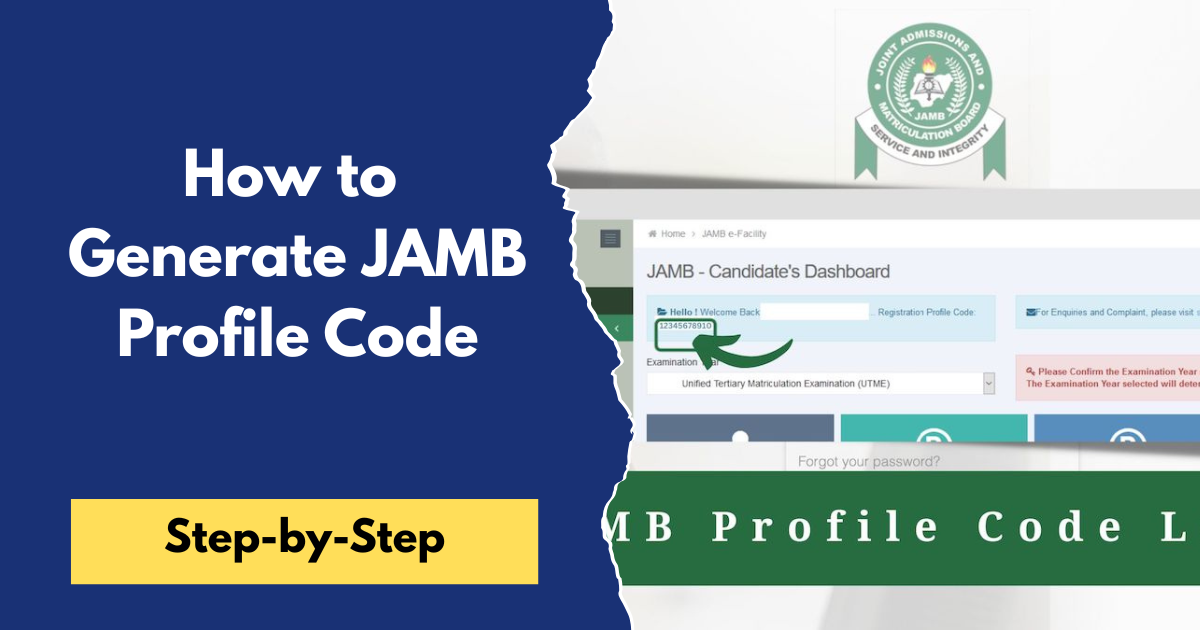
- Visit the JAMB e-Facility portal and log in to your JAMB profile using your email address and password.
- On your dashboard, locate and click on "Check Admission Status."
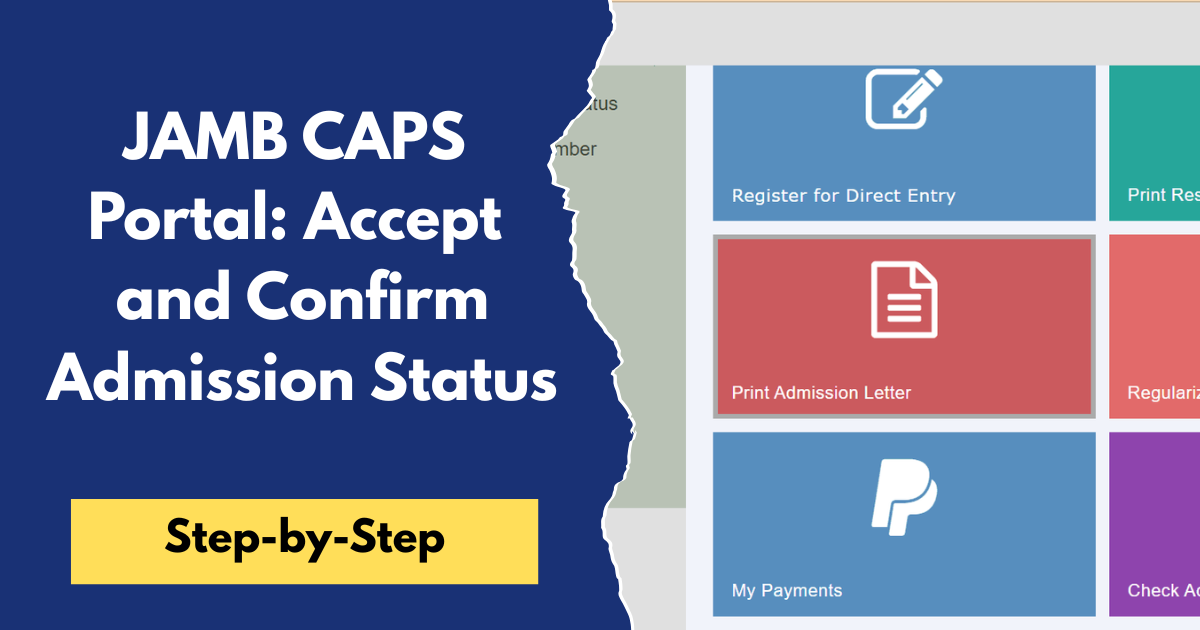
- Click on "Access My CAPS" to open the JAMB Central Admission Processing System (CAPS).
- Once the CAPS page opens, click on "My O'Level" or the "O'Level Results" section.
- Check whether your O'Level subjects and grades are displayed correctly. If your results appear, it means your upload was successful.
If your O'Level result is not showing after a few days, revisit the accredited JAMB CBT centre where you uploaded it or contact JAMB for assistance. It is advisable to confirm your upload well before admission processing begins to avoid unnecessary delays.
Frequently Asked Questions (FAQs)
1. Can I upload two sittings on the JAMB portal?
Yes. If you are using two O'Level results to meet the admission requirements for your chosen course, you can upload both results to your JAMB profile. Ensure that the combination of the two results satisfies the required subjects for admission.
2. Can I upload my O'Level result after Post-UTME registration?
Yes, you can. However, it is strongly recommended that you upload your O'Level result as soon as it is available. Delaying the upload may affect your admission processing, especially if your institution begins considering candidates for admission before your result is uploaded.
3. How long does it take for the uploaded O'Level result to reflect?
In most cases, the uploaded O'Level result reflects on your JAMB profile or JAMB CAPS within a few hours or a few days. If it does not appear after several days, you should return to the accredited JAMB CBT centre where you uploaded it or contact JAMB for assistance.
4. Can I upload my O'Level result more than once?
Yes. If you need to update your O'Level result or replace an existing one, you can visit an accredited JAMB CBT centre to upload the new result. This is common for candidates who initially registered with an Awaiting Result (AR) status and later obtained their results.
5. What should I do if my O'Level result is not showing on JAMB CAPS?
If your O'Level result is not showing on JAMB CAPS after uploading it, first confirm that the upload was completed successfully. If the problem persists after a few days, revisit the accredited JAMB CBT centre where you uploaded the result or contact JAMB support for further assistance.
If you have not uploaded your WAEC, NECO, or NABTEB result, make sure you visit an accredited JAMB CBT centre and complete the process as soon as possible. After the upload, remember to check your JAMB CAPS to confirm that your result is reflecting correctly.
We believe you found this article helpful, and it has shown you How To Upload O'Level Results On JAMB Portal without hindrance. Uploading your O'Level result on the JAMB portal is a very important step in your admission process because, whether you are a UTME or Direct Entry candidate, this action confirms your eligibility and helps universities process your admission without delay. To avoid mistakes, always double-check your details and ensure your result appears on CAPS. Keep visiting this website for more updates and follow this guide closely to be a step closer to securing admission into your chosen institution.